How to download Instagram reels and videos
Saving a reel at full quality from a desktop shouldn't involve pasting a link into a site covered in adverts. Here's the direct way, plus what's actually reasonable to download and what isn't.
Why the paste-a-link sites are worse than they look
They mostly work, so it's fair to ask why not just use them. Three reasons:
- Quality. Many re-encode the video on their server, so you get a smaller, softer copy rather than the original file.
- They see everything you paste. Every link goes through a stranger's server, along with your IP address.
- They're an advert business. The download is the bait; the pop-ups, redirects and fake buttons are the product.
Downloading from inside your own browser sidesteps all three. The file comes straight from Instagram's CDN, untouched, and no third party is involved.
Saving a reel from your desktop
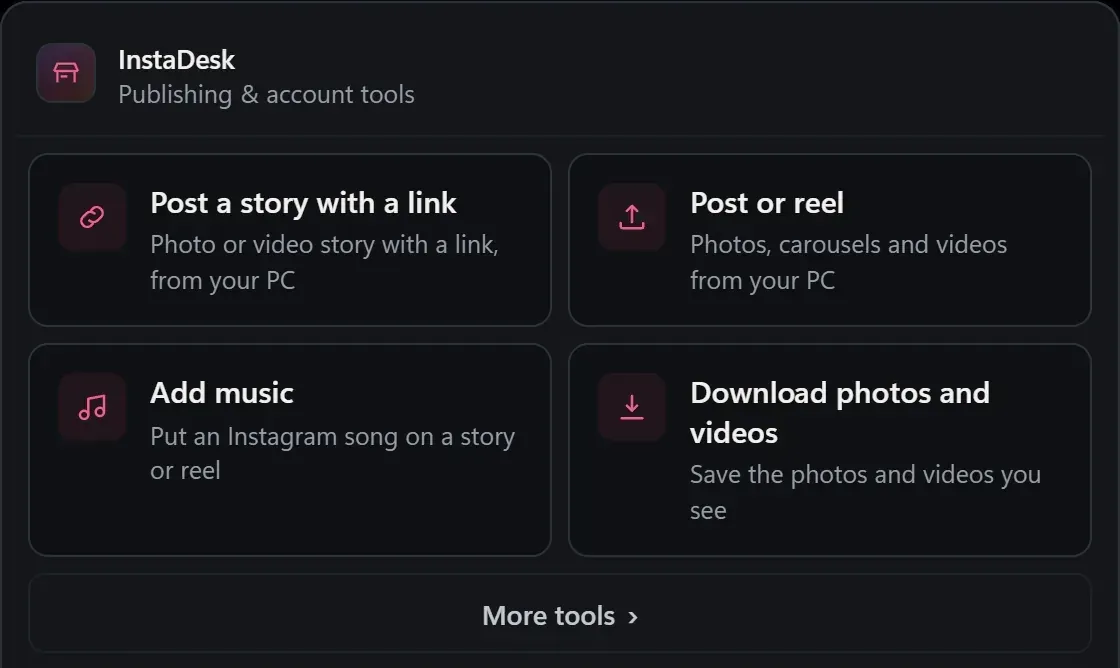
- Install InstaDesk and open instagram.com.
- Find the reel, post or story you want to save.
- Click the download button that appears on the media.
- It saves at original resolution into an InstaDesk folder in your Downloads. No dialog, no re-encode, no watermark.
It works on individual posts, on permalinks, and — the one most tools miss — in the scrolling reels feed, where the video data never appears in the page's HTML at all. Carousels save every item, not just the first.
What's reasonable to download
Worth being straight about this rather than pretending it's a non-question.
Your own content — completely fine, and genuinely useful. People lose original files all the time and Instagram becomes the only surviving copy. Downloading your own archive is the most common reason anyone wants this.
Saving other people's work for reference — normal, the same as bookmarking. Keep it private.
Re-uploading someone else's video as your own — that's their copyright, and it's both a legal problem and how accounts get struck. If you want to share it, use Instagram's repost or share functions so the original creator keeps the credit.
InstaDesk only accesses content your account can already see. It has no way to reach private accounts you don't follow, and no tool that claims otherwise should be trusted.
Common questions
Will they know I downloaded it?
No. Downloading isn't an event Instagram reports to anyone. Viewing a story is — separately, ghost mode blocks those read receipts if you want it to.
Does it save the audio too?
Yes. Videos save complete with their audio track, as a normal MP4.
Why did a download fail?
Instagram's media URLs are signed and expire. If a page has been sitting open for a long time, refresh it and try again — the extension re-resolves the link on failure, but a very stale page is worth reloading.
More guides
- How to reply to Instagram comments and DMs with AI drafts
- How to post to Instagram from a PC
- How to add music to a reel on desktop
- How to schedule Instagram posts
- How to see who unfollowed you
- How to export your Instagram followers
- How to find bot followers
- How to choose Instagram hashtags
- Looking for an INSSIST alternative?
- How to add a link to an Instagram story from your PC
- How to post an Instagram story from your PC
- How to add music to an Instagram story on PC
- How to post reels from your PC
- How to post an Instagram carousel from your PC
- How to pick a custom Instagram reel cover
- How to view Instagram stories anonymously
- How to use Instagram on a Mac or Chromebook